Managing AutoBlog Articles
Learn how to monitor, pause, resume, and manage articles generated by your AutoBlog campaigns
Last updated 9 months ago
Managing AutoBlog Articles
After launching your AutoBlog campaign, you can monitor progress, pause/resume generation, view individual articles, and manage your content from the project dashboard.
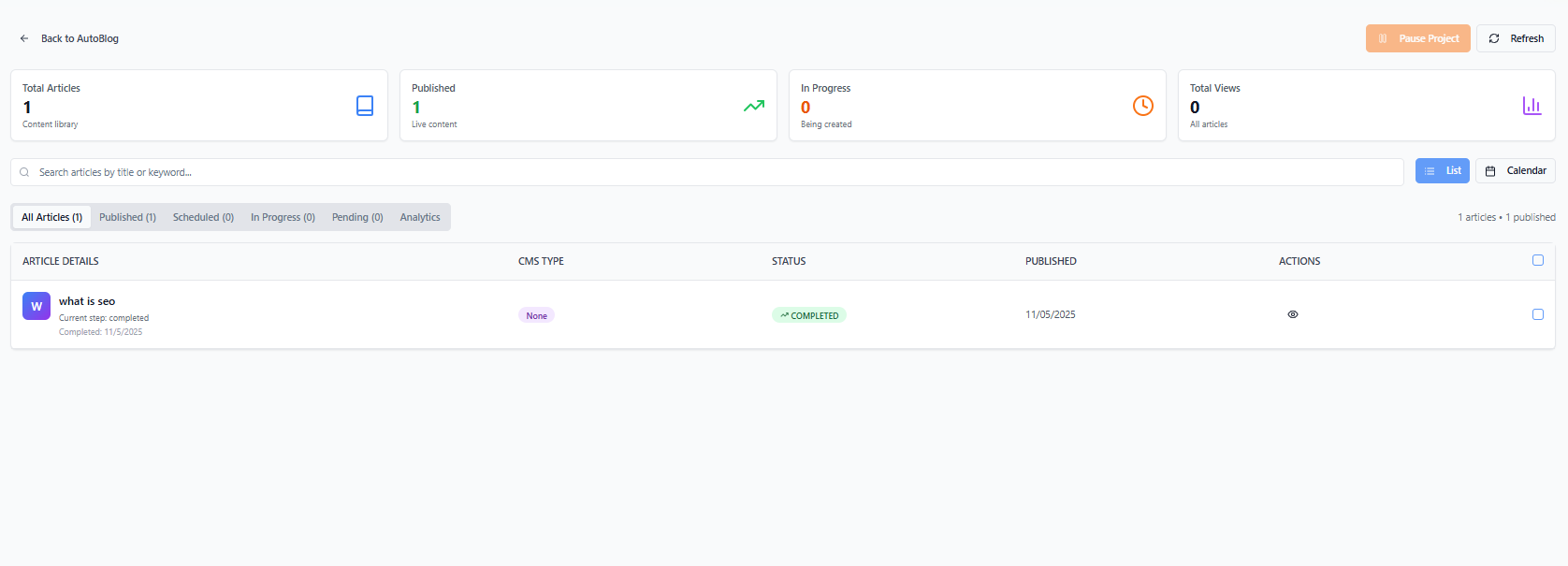
Accessing Your Campaign
Go to AutoBlog from the main menu
Click on your campaign name to open the project page
Article Status Overview
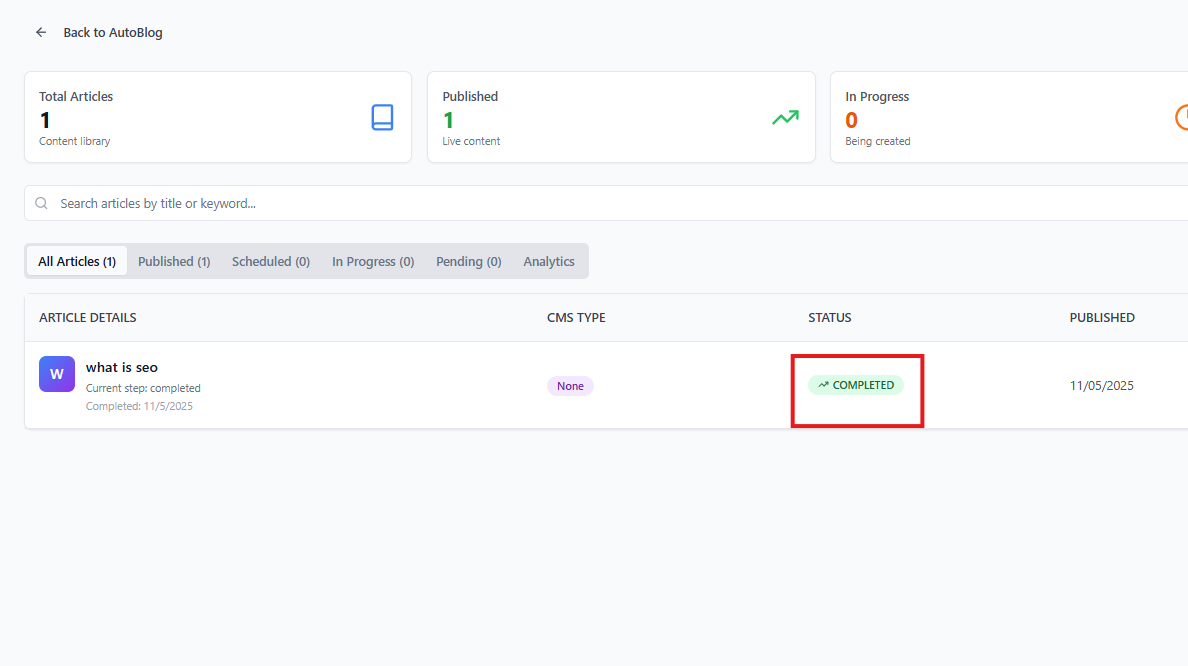
Each article shows its current status:
Pending: Waiting to be generated
Processing: Currently being generated
Completed: Successfully generated
Error: Generation failed (can be retried)
The dashboard shows totals for each status so you can track overall campaign progress.
Viewing Modes
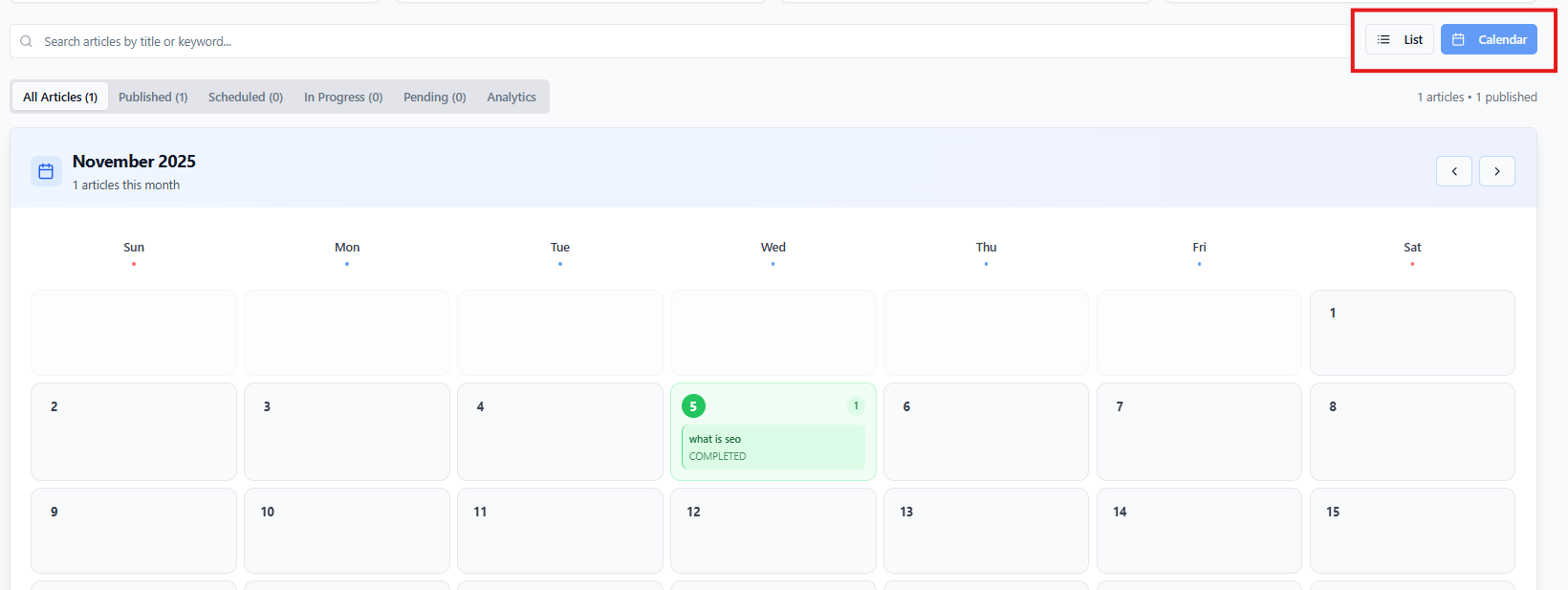
Switch between two viewing modes:
List View: Traditional table showing all articles with details
Calendar View: Visual calendar showing scheduled publication dates
Filtering and Searching
Use tabs to filter articles by status:
All: Show all articles
Pending: Only pending articles
Processing: Articles currently generating
Completed: Finished articles
Error: Failed articles
Use the search box to find specific articles by topic name.
Pausing and Resuming
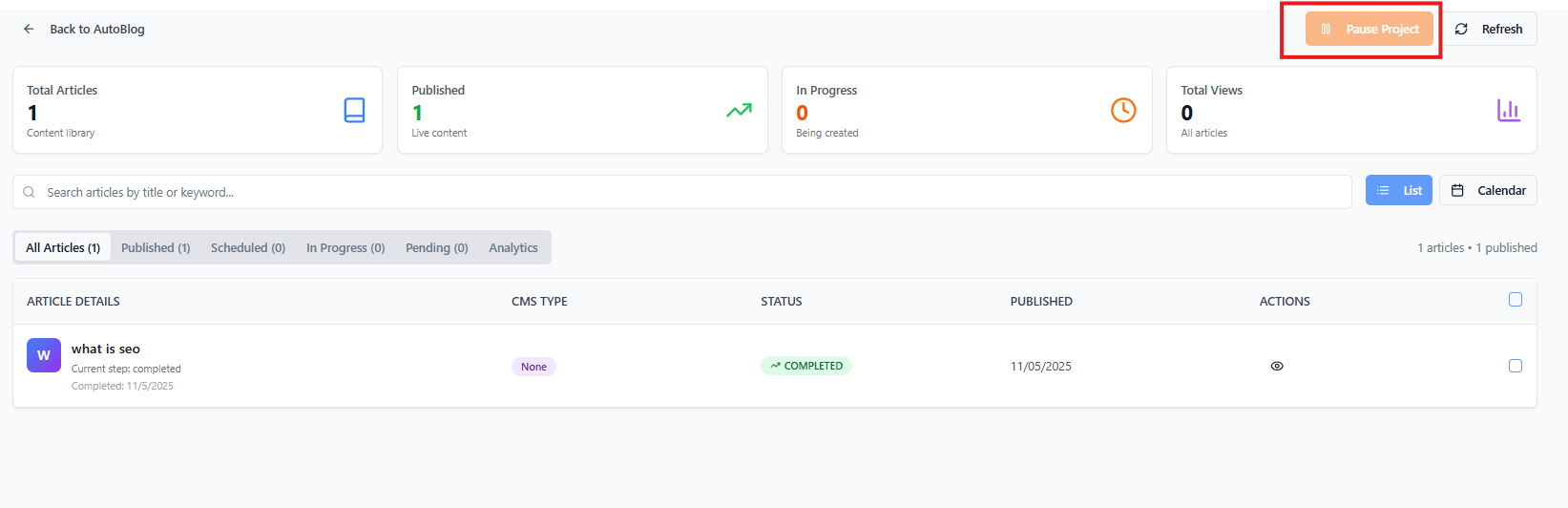
You can pause a running campaign at any time:
Click the Pause button in the project header
Pending articles will not be processed until you resume
Any article currently processing will complete
To resume:
Click the Resume button
Generation continues from where it stopped
Viewing Articles
For completed articles:
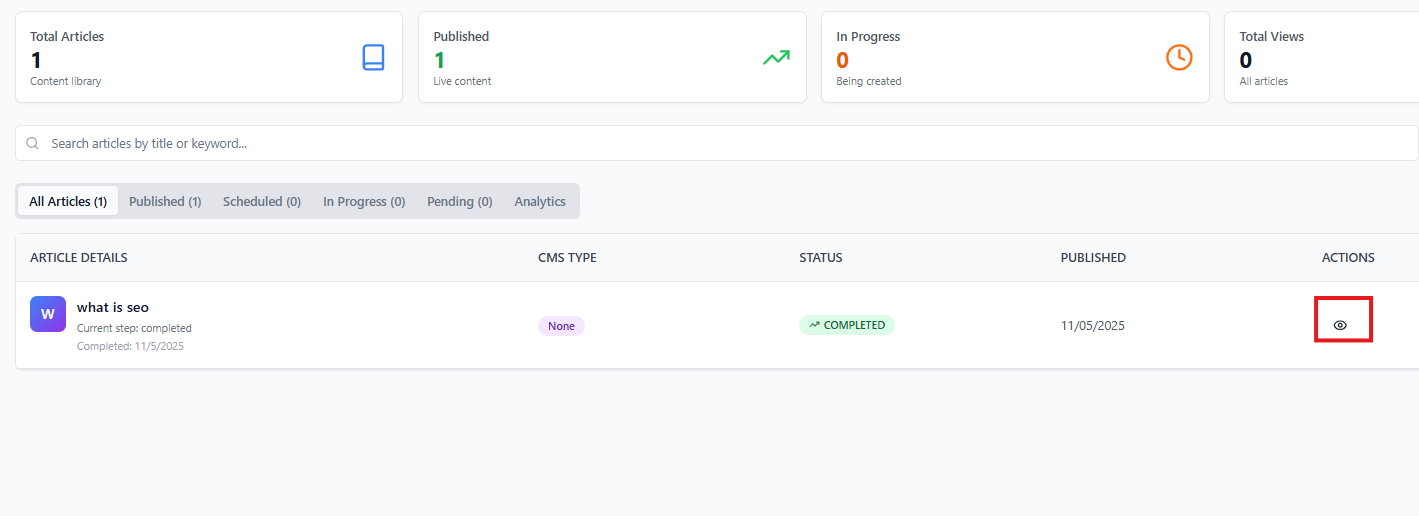
Click the View (eye icon) button next to an article
Opens the full article editor where you can review and edit content
Bulk Actions
Manage multiple articles at once:
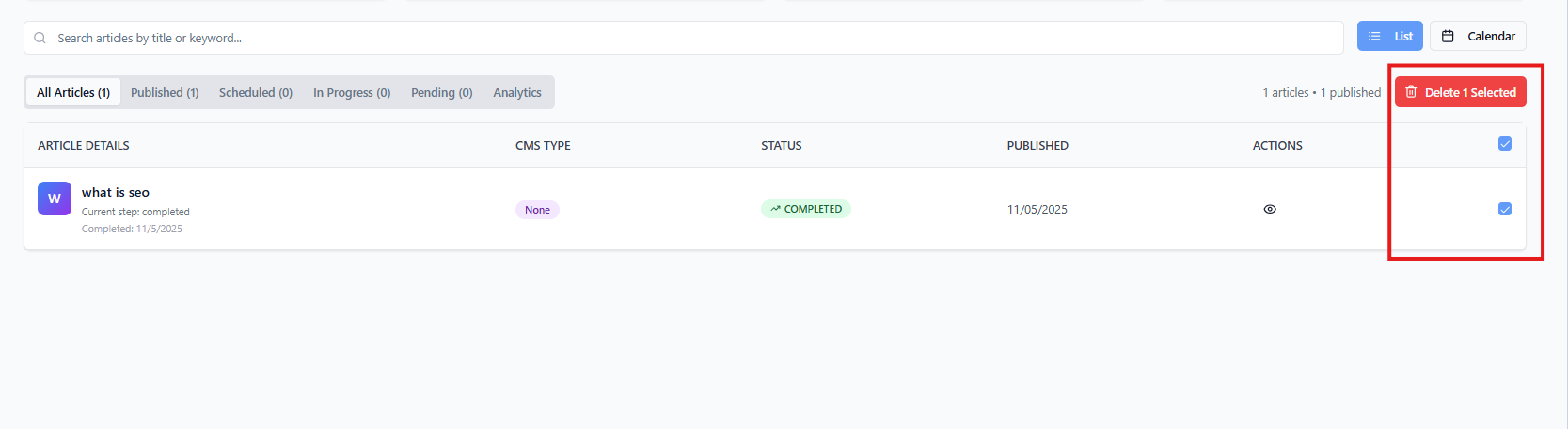
Use checkboxes to select articles
Use "Select All" to select all visible articles
Click Delete Selected to remove multiple articles
Analytics Dashboard
View campaign performance metrics:
Total Articles: Number of articles in the campaign
Completion Rate: Percentage of articles completed
Generation Timeline: Visual progress over time
Publishing Status: How many are published to CMS
Refreshing Data
Click the Refresh button to update the article list and see the latest status of all articles.
Editing Campaign Settings
To modify campaign settings:
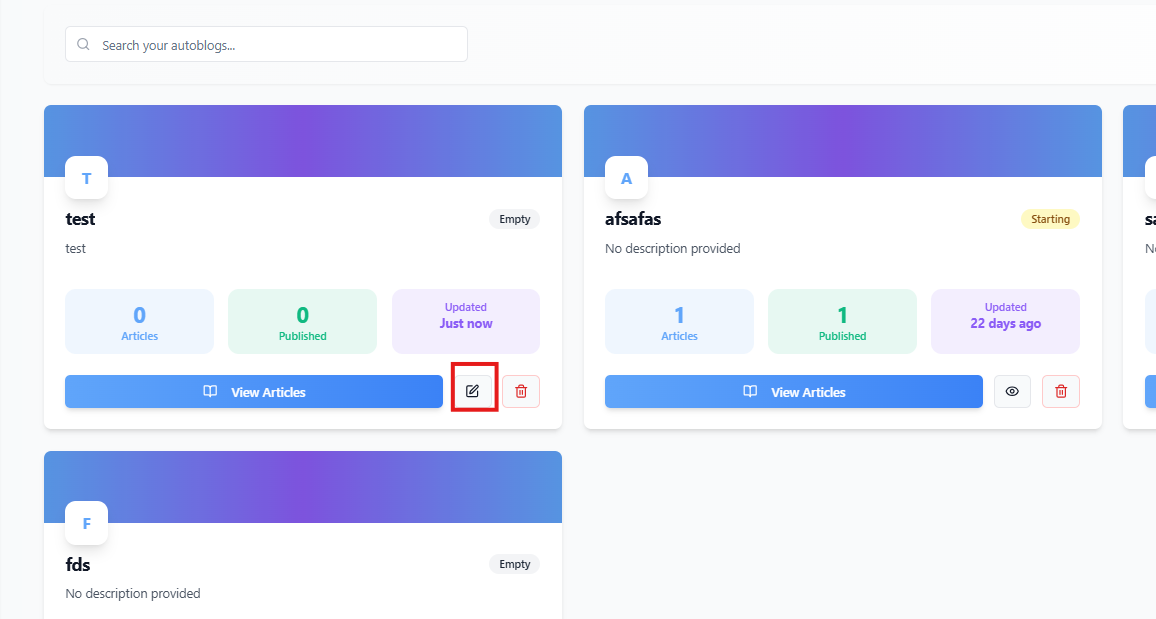
Return to the AutoBlog list
Click the Edit button on your campaign
Navigate through the wizard to update settings
Note: Some settings cannot be changed after generation has started.